
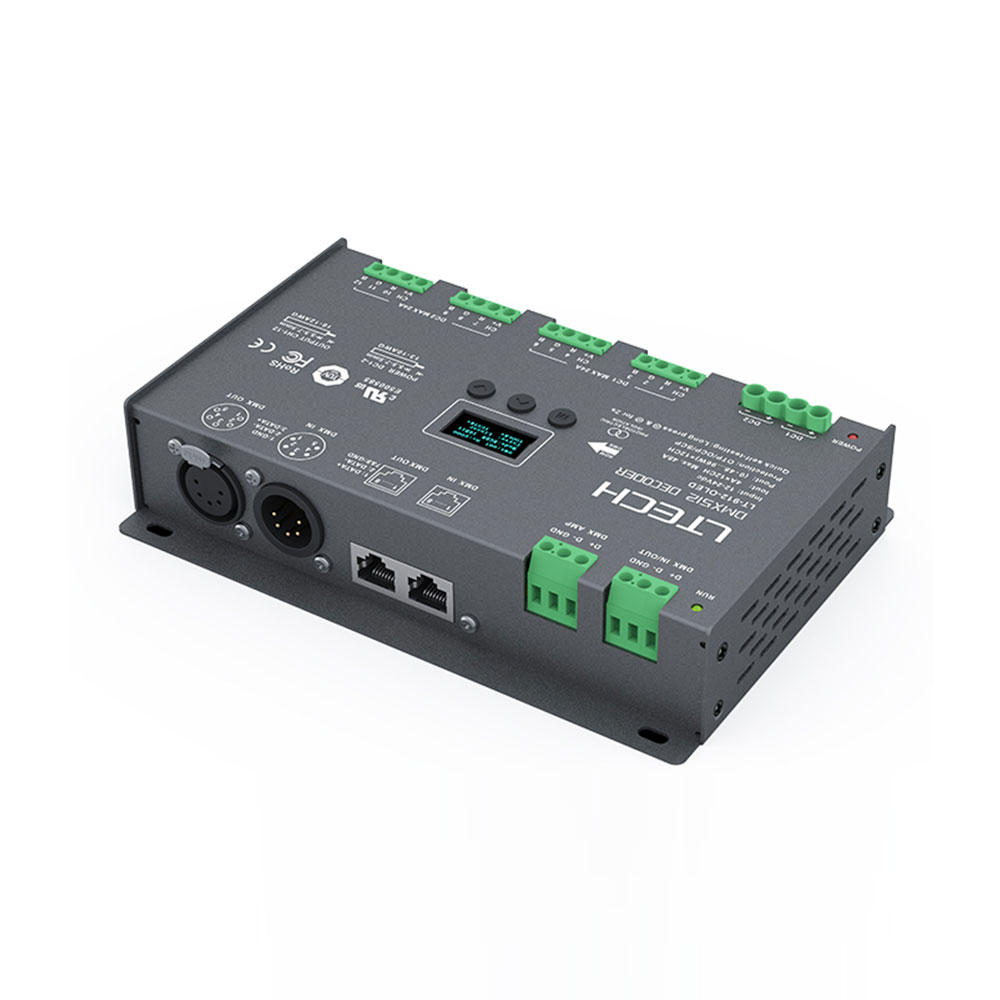
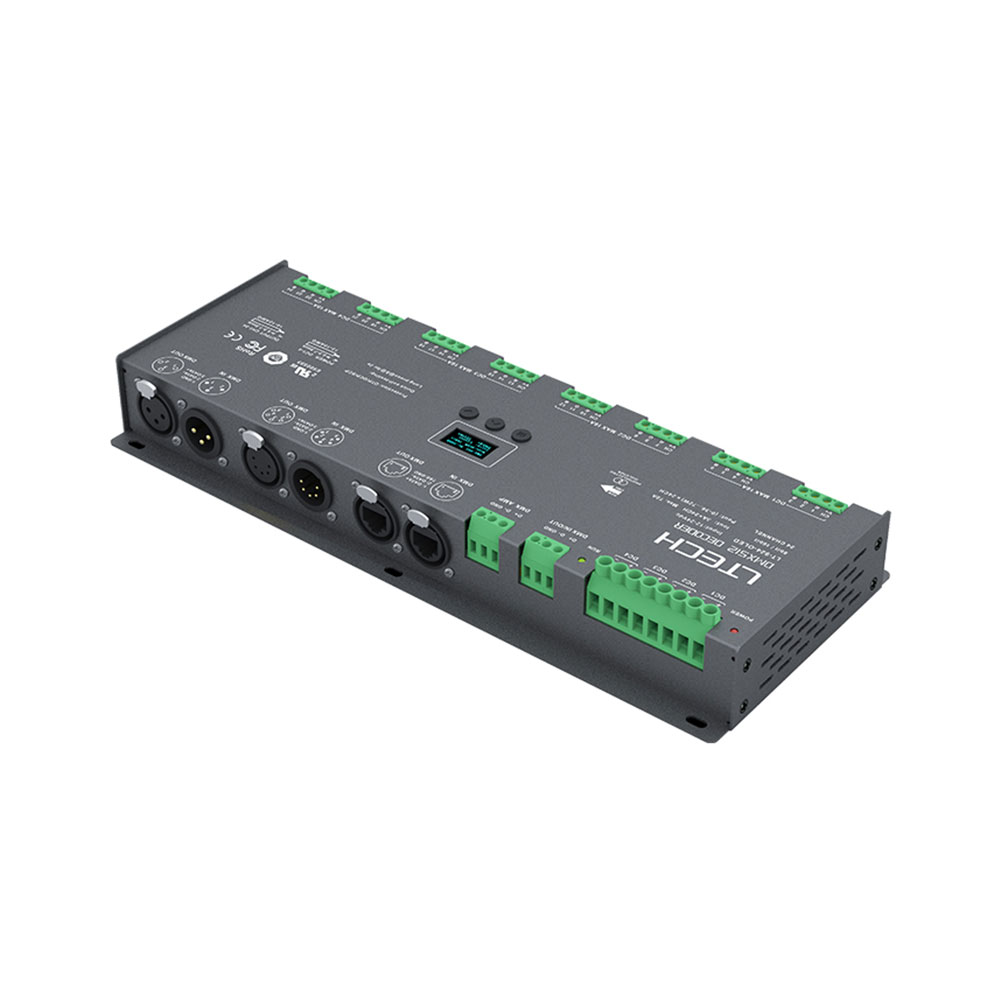
UL Listed LTech 24CH CV DMX Decoder LT-924-OLED
$ 91.93
UL Listed LT-924-OLED Product Description 1. Designed for Hi-power multiple channels application, 24 channels output, and Max. 2. 3Current per channel, up to 1728W output power. 3. Easy operation with an OLED screen and touch buttons. 4. 3 kinds of modes available: DIM, CT, RGB 5. 3-pin XLR, 5-pin XLR, RJ45, and green terminal DMX interface with photoelectric isolation, improve signal transmission efficiency and anti-interference ability, the green terminal also has signal amplifier function. 6. With RDM remote management protocol, the operations can be completed via the RDM master console, such as parameters browsing & settings, DMX address settings equipment recognition, etc. 7. With firmware upgrade function. 8. With short circuits, over current and over temp. protection, as well as a warning function when a fault occurs. 9. With power-on state management and fast self-testing function. 10. 16bit (65536 levels) / 8bit (256 levels) grey level available. 11. Available for standard, linear, LOG, or custom 0.1-9.9 dimming curve. UL Listed. Product Parameters Model: LT-924-OLED Input Signal: DMX512/RDM Input Voltage: 12~24Vdc Current Load : 3A * 24CH Max 72A Output Power :(0~36W…72W) * 24CH Max. 1728W DMX Interface: 3-pin XLR, 5-pin XLR, RJ45, Green terminal Control Mode: DIM/CT/RGB Dimming Curve: 0.1~9.9, standard, linear, LOG Grey Level: 8bit (256 levels) / 16bit (65536 levels) Photoelectric Isolation: Yes Protection: Short circuit / Overheat / Over current protection, recover automatically. Working Temperature: -30℃~65℃ Dimensions: L300*W122*H39mm /11.81*4.8*1.54” Package Size: L313*W127*H41mm /12.32*5*1.62” Weight (G.W.): 1180g RDM editor App interface instruction Download the App, setting the LT-924-OLED parameters (frequency, bit, curve, modes, dimming range, screensaver, etc.] after well connecting the RDM editor, For more details, please check the manual of WiFi-RDM01. Well, installation of products first, then working with WiFi -RDM01 to realize setting parameters and firmware upgrade by App.
Related products
-
Sale!Select options This product has multiple variants. The options may be chosen on the product page
 Add to WishlistAdd to Wishlist
 -
Sale!Select options This product has multiple variants. The options may be chosen on the product page
 Add to WishlistAdd to Wishlist
 -
Sale!Select options This product has multiple variants. The options may be chosen on the product page
 Add to WishlistAdd to Wishlist
 -
Sale!Select options This product has multiple variants. The options may be chosen on the product page
 Add to WishlistAdd to Wishlist